
Anatomage
Student Usage & Learning Benefits
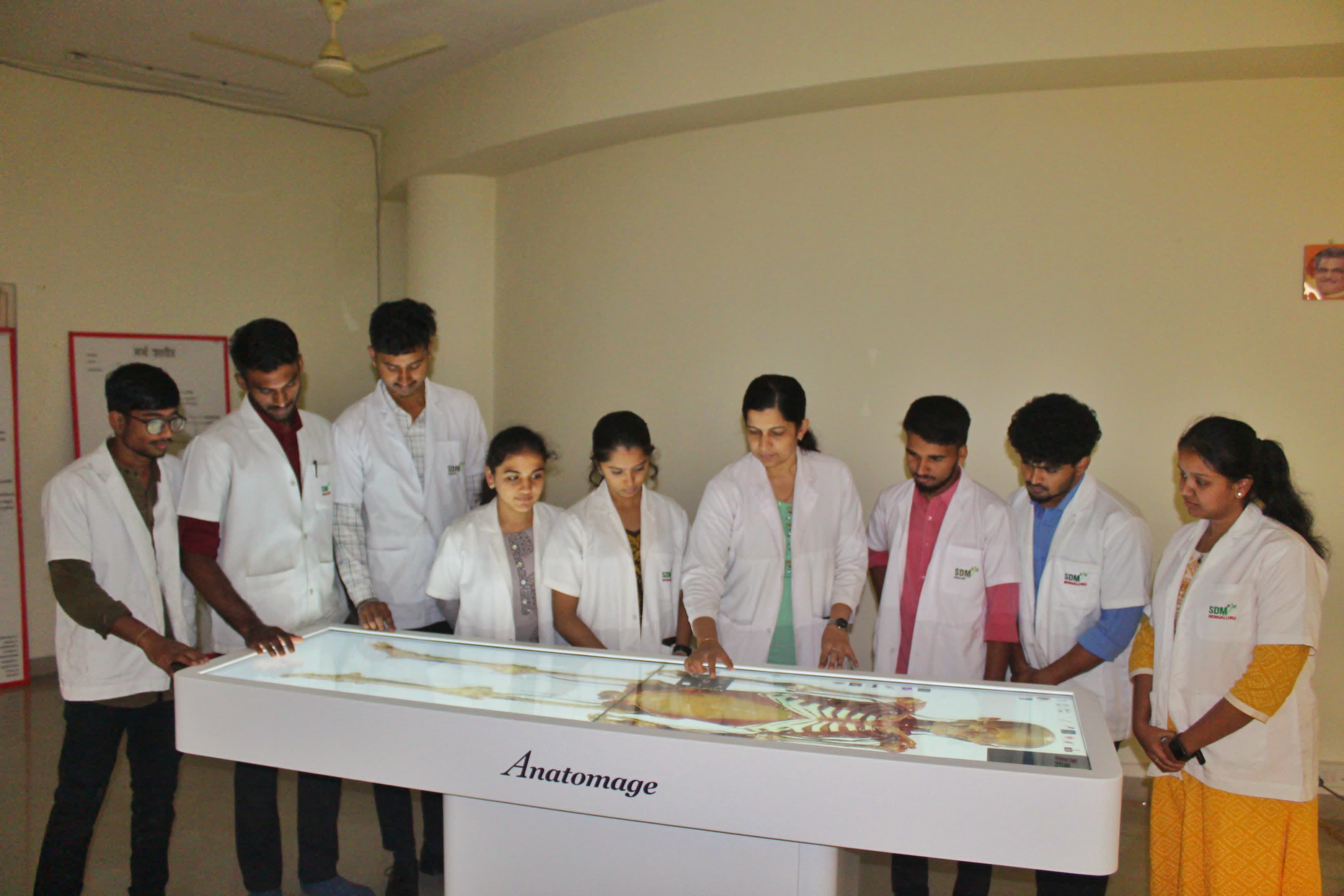
The Anatomage Table replaces flat textbooks with a life-sized, interactive 3D platform to enhance medical education.
How Students Use It
• Interactive Dissection: Use touch gestures to cut tissue, peel muscles, and isolate organs.
• Quiz Mode: Hide labels to practice for anatomy practical exams and test knowledge.
• Correlating Scans: Slice 3D digital bodies to see matching 2D CT/MRI cross-sections instantly.
• Physiology Simulation: Visualize real-time functions like blood flow and nerve pathway mapping.
Key Benefits for Students
- 3D Spatial Mastery: Easily grasp complex organ layers and physical structural relationships.
- Fearless Learning: Use the “undo” button to correct dissection mistakes instantly.
- Equal Lab Access: Give every student a clear, front-row view of the specimen.
- Self-Paced Study: Repeat difficult procedures infinitely until concepts are fully understood.
- Clinical Readiness: Master real-world diagnostic imagery long before entering the hospital.
Benefits for Ayurvedic Students
- Marma Sthana Clarity: Students can precisely isolate underlying nerves, blood vessels, and muscles at crucial vulnerability zones (Marmas).
- Modern-Traditional Synthesis: Brings a high-tech approach to an ancient medical system, simplifying complex text descriptions into interactive visual layouts.
- Cadaver Availability Solved: Supplements traditional physical dissection (Shava Chedana) when medical cadaver availability is low or legally restricted.
- Risk-Free Trial: Allows students to practice deep incisional depths and undo structural errors instantly during learning phases.
- Enhanced Practical Retention: Improves spatial tracking of organs, providing a stronger foundation for clinical diagnoses (Nidana).